
The Latest Project Studio Features: Making Your Design Process Even Simpler
Here at Style Sourcebook, we're always thinking of new ways to enhance the Project Studio experience and make the design process even easier for our community. We recently rolled out two new updates to Project Studio designed to make managing design projects even more streamlined. You can now organise your schedules by product category and upload PDF documents directly to your project webpage; helping you keep selections, documents and project details all in one place.
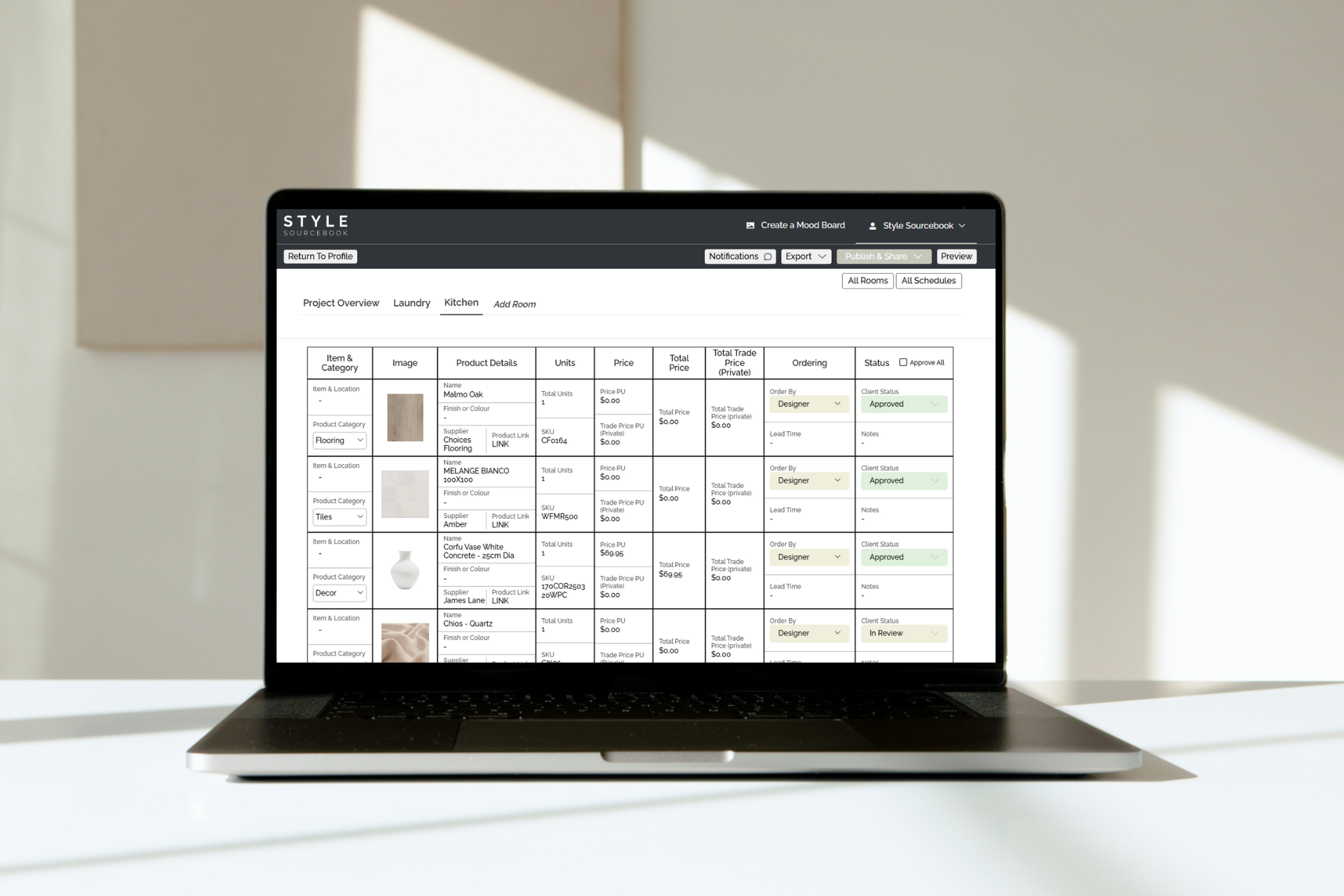
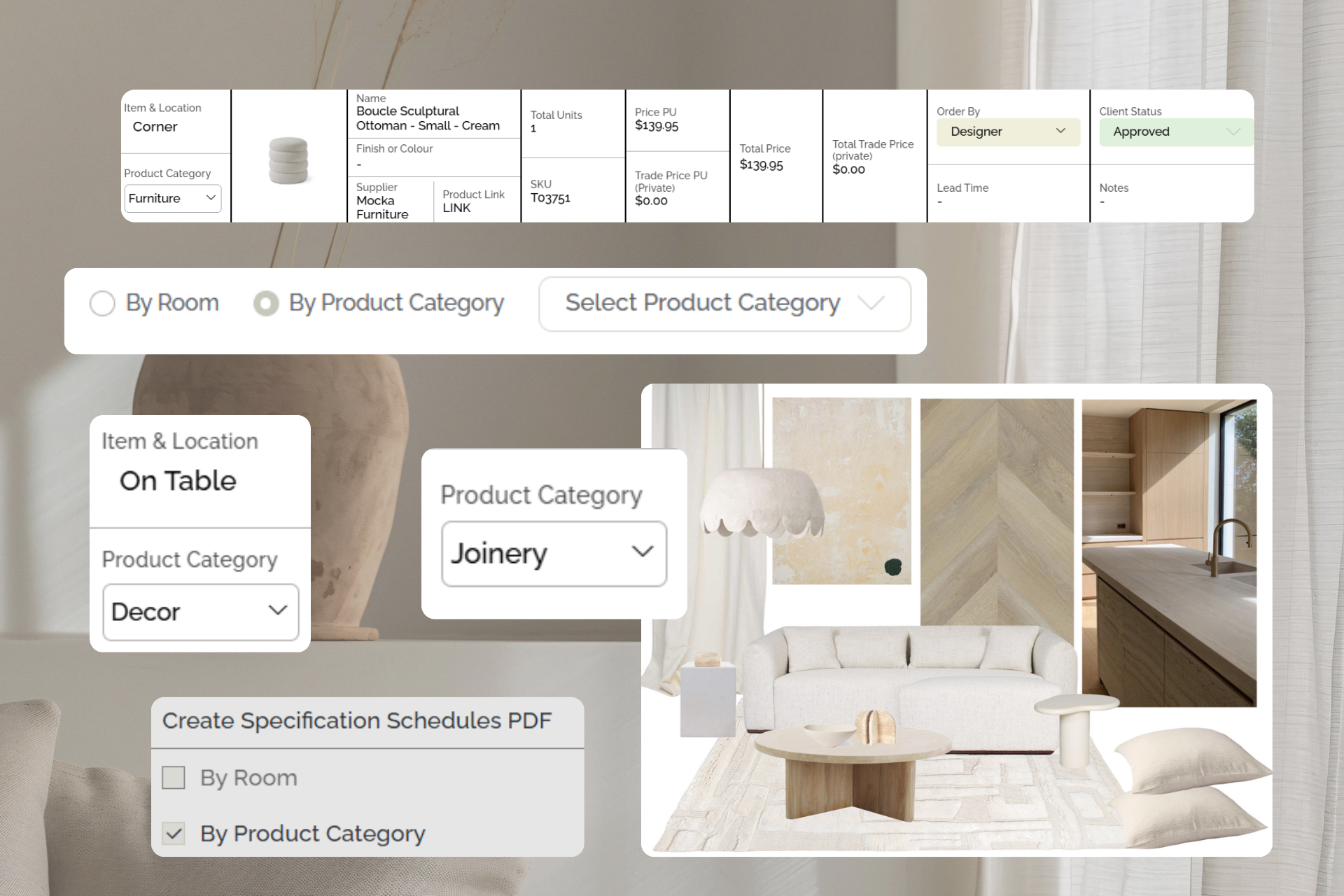
Product Category Schedules
You can now filter products in your specification schedules by category. A small change that makes schedules easier to share with trades. We've made it easy for you, group products by category: flooring, lighting, tapware, furniture, joinery and more, and then export and download the category-based schedules as one PDF or separate PDFs. These can be passed directly onto trades, without reworking or reformatting.
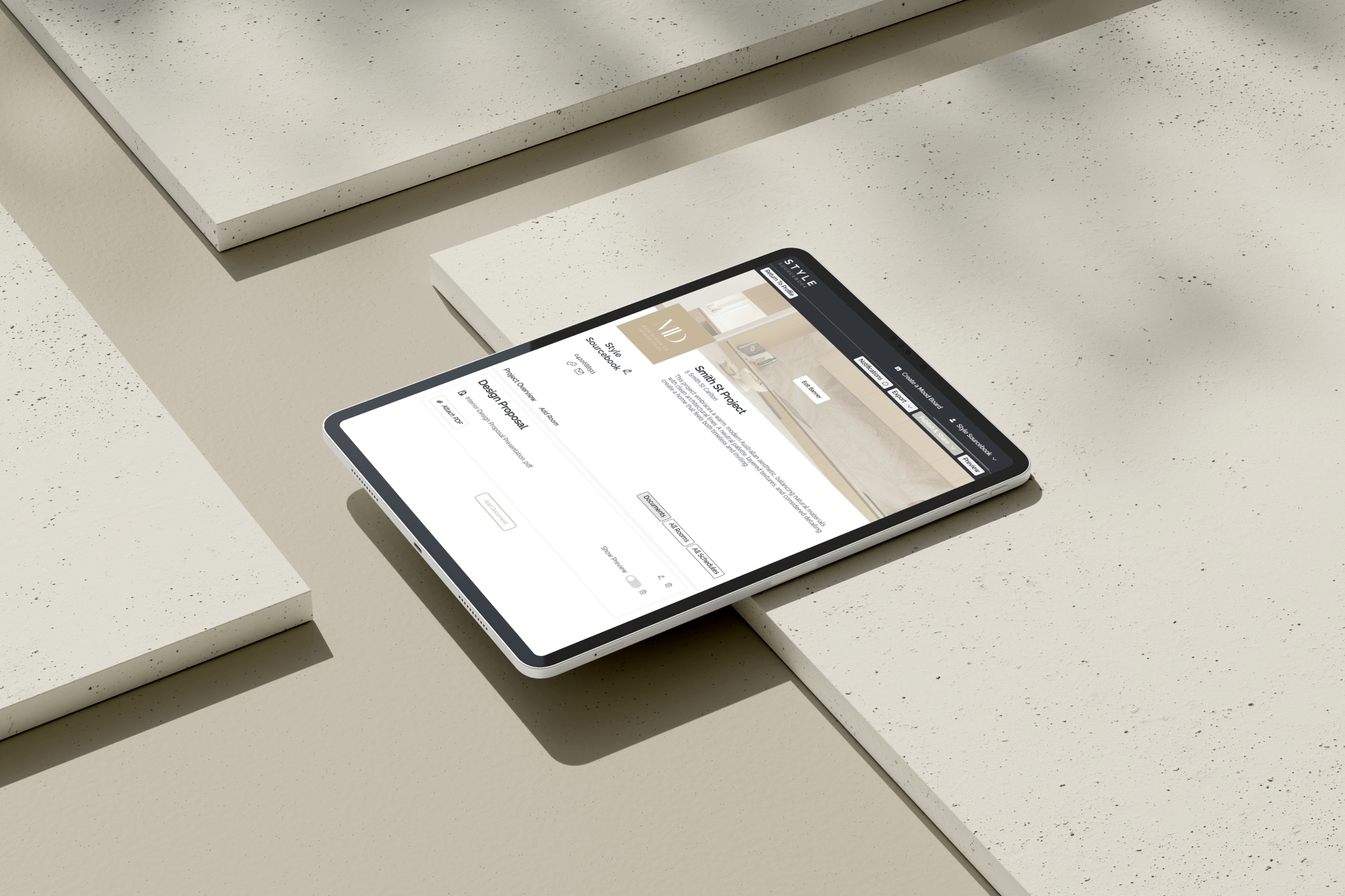
Upload PDF Documents
You can now keep PDFs in Project Studio by uploading them directly and easily, without turning them into an image file. With the new Documents tab, all the files relating to your project can live alongside your mood boards and product selections. Upload design proposals, construction drawings, floorplans, specifications, quotes or 3D renders and keep everything connected in one central workspace. No more jumping between folders, emails and cloud drives trying to find that one file. Everything that supports your design decisions is right where it should be: inside your project webpage, and easily found.
Ready To Get Started?
If you’re an interior design professional and are ready to dive into Project Studio and try out these new features, unlock access here. We can't wait to see your projects!